Review command
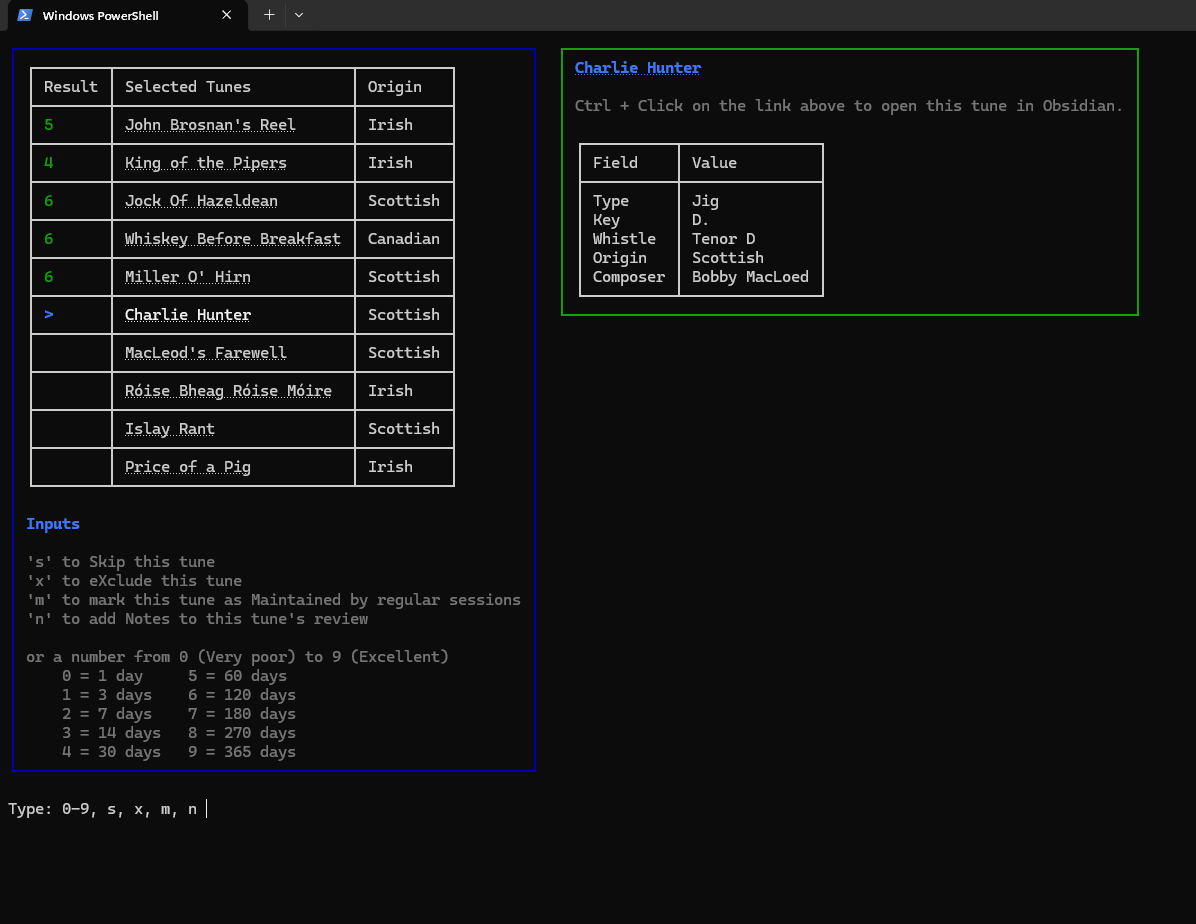
This is the primary command provided for reviewing tunes. By default, the CLI will select the 10 most "in need of revision" tunes and present them to you to review.
Quick start
As a minimum, navigate to the root directory of your vault and run the following command:
tune-review review
The review command uses the same selection logic used throughout the CLI to determine which tunes should be reviewed.
After determining the tunes to review, it launches an interactive review session in the terminal.
Options
| Flag | Default | Description |
|---|---|---|
| -h, --help | Prints help information | |
--vault PATH | (Defaults to the current directory) | Path to the Obsidian vault root |
--store PATH | (Defaults to /.tune-review/ within the current directory) | Path to the review store JSON file |
| --dry-run | Do not save any changes | |
--count N | 10 | Number of tunes to select |
--origin TEXT | Filter by origin, e.g. --origin Scottish | |
| --include-session | Include tunes marked as session-maintained | |
| --include-excluded | Include tunes marked as excluded | |
--tune NAME_OR_ID | Review a specific tune by its title or ID, bypassing automated selection logic |